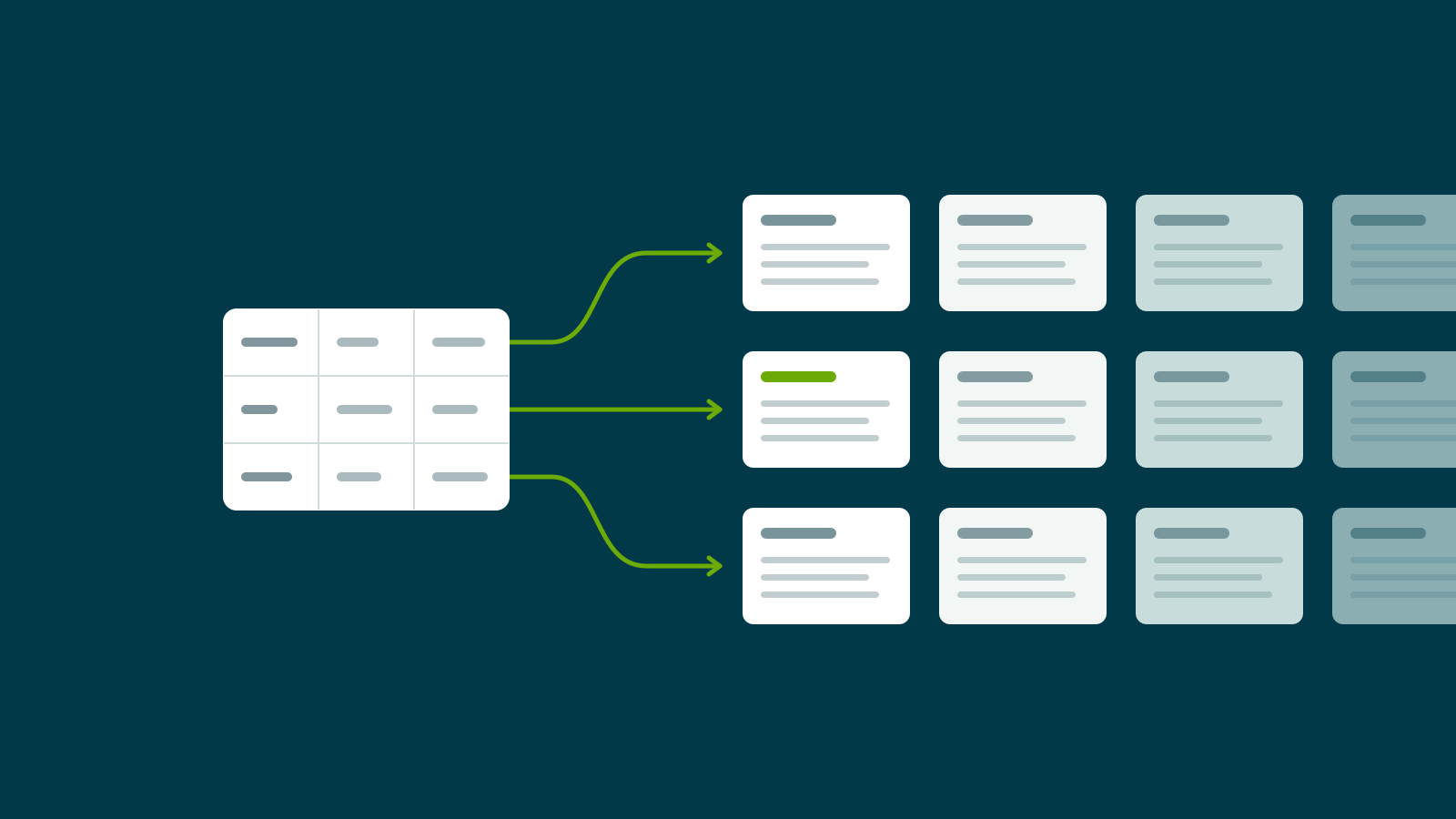
The pictures here are drawings. The page shows no screenshots of the store's admin or data, and no traffic, sales or revenue figures.
The problem: too many pages to keep by hand
Some Shopify stores sell a few products. Others sell thousands, and every product page follows the same layout. Only the details change from one page to the next.
If that is your store, you may know these signs:
- You add products one at a time in the Shopify admin.
- A small change to the page layout means opening every product again.
- One typing mistake gets copied across the catalogue.
- You need a developer for changes that should be yours to make.
Databahn had this problem at full size. It sells org charts and sales intelligence reports on large companies, and Ryan Murray runs it. A report on one company is one product page. A catalogue of large companies means thousands of pages that share a layout and differ only in the company shown.
Why the usual routes fall short
One at a time in the admin. That works for ten pages. It does not work for thousands.
A bulk import. Shopify's product import adds products faster. But the page text still sits inside each product. Change the layout, and you are back to editing every one.
The real fix is to keep the facts in one place and the page design in another. Then each can change without touching the other.
What I built
I built three parts that work together.
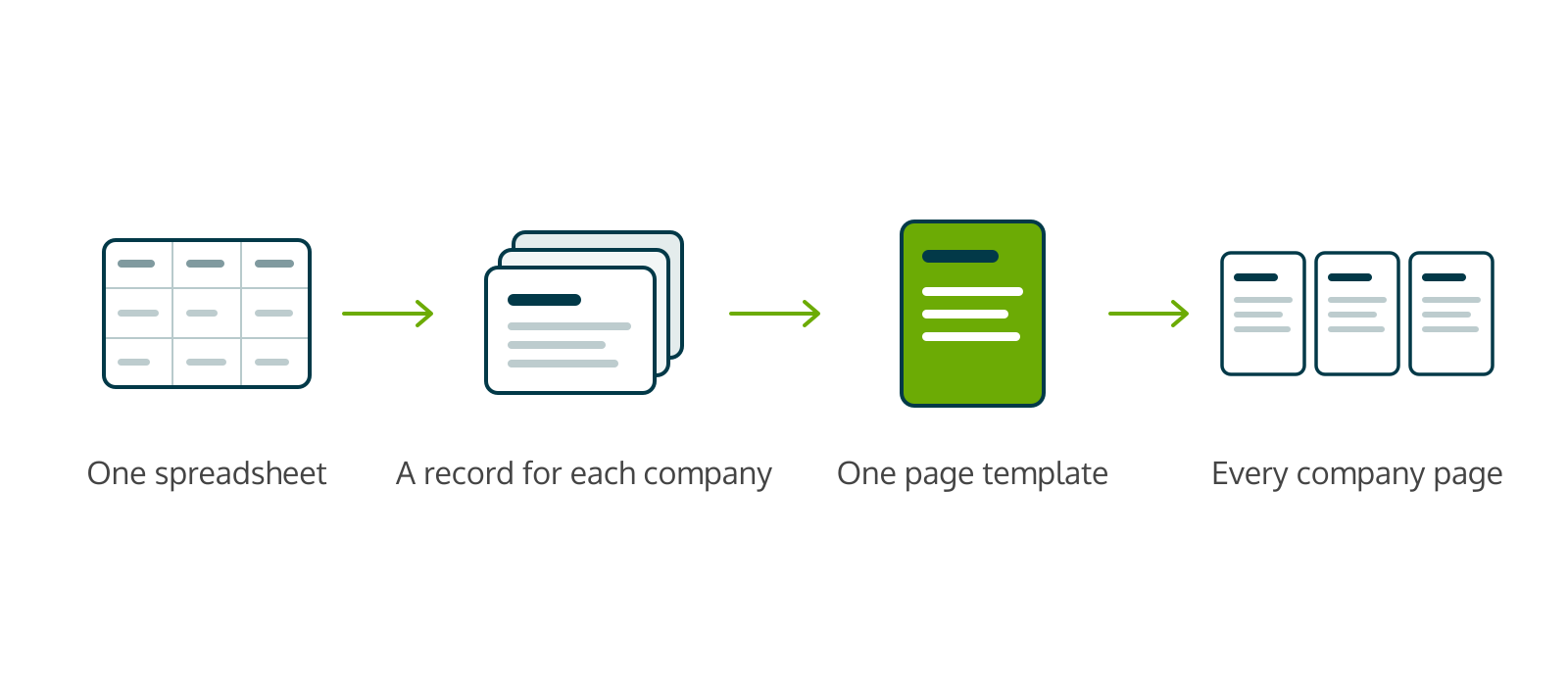
- The spreadsheet upload. Ryan uploads a spreadsheet in his Shopify admin. A small app I wrote reads it and creates or updates a company record for each row. It checks for duplicates first.
- The company records. Each company is stored as a Shopify metaobject, so the facts live in the store and not in page text.
- The page template. One product holds the page design, with placeholders for the company's details. A second small app copies that design to where the theme reads it, each time Ryan edits it. The Kingdom theme then fills in the details for each company.
Later I added an always-visible scrollbar for the wide tables, and made it work on a phone, because that is where Ryan tests.
Before and after
| Before | After | |
|---|---|---|
| Adding companies | One at a time, by hand, in the Shopify admin | Upload one spreadsheet. The records and pages are made from it |
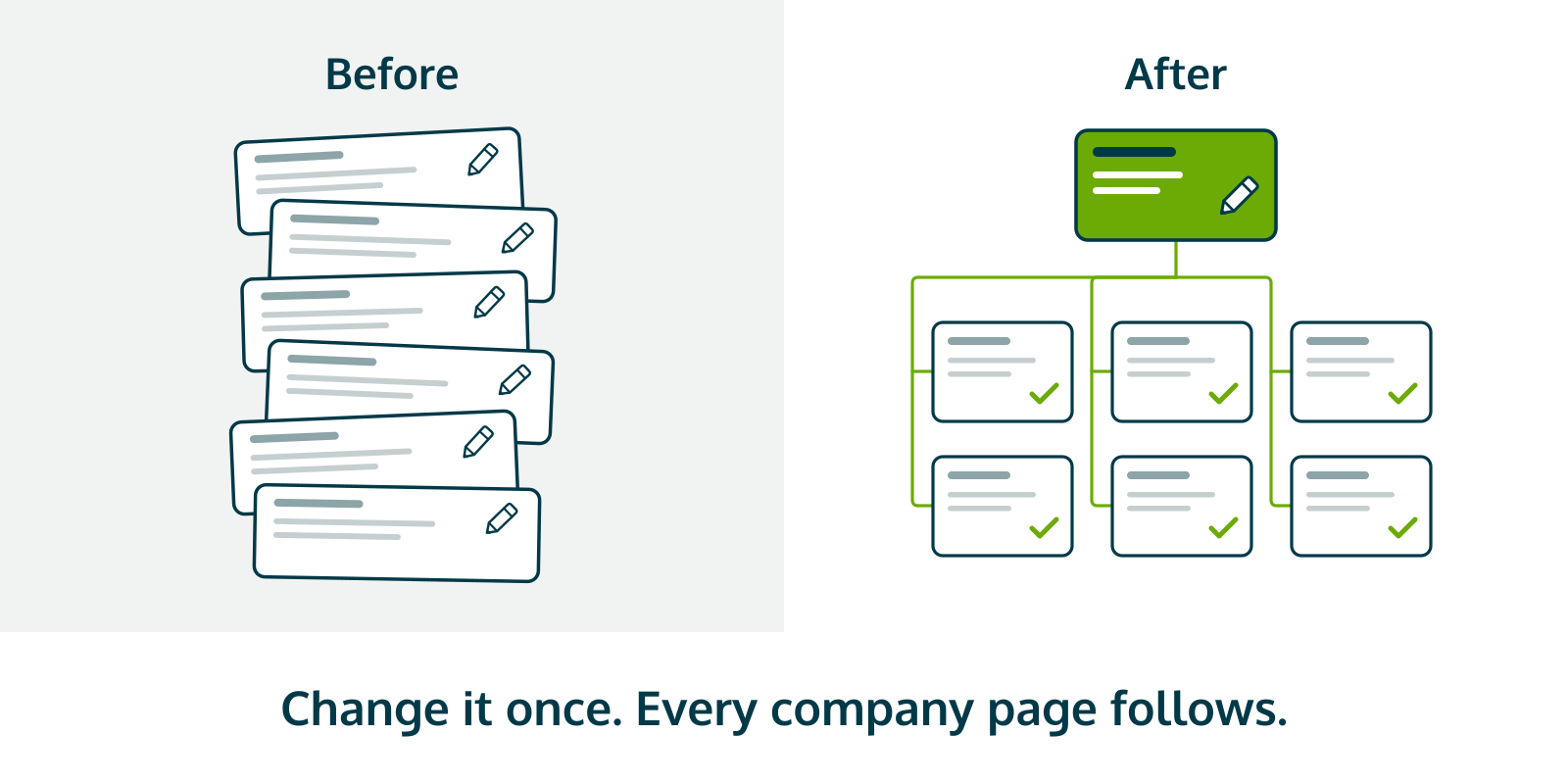
| Page design | Edited page by page | One template. Change it once and every company page follows |
| Wide tables | Hard to scroll on some devices | A scrollbar that is always visible, in Databahn green |
| Security | One tool I built was not locked as well as it should have been | Locked, and tested from outside |
What this means for the business
The store's job is to show Ryan's work well and stay out of his way. With this system he updates a spreadsheet, uploads it, and the store follows. He does not need me, or any developer, to add a company or change a page.
Looking after it: the lock-down, November 2026
A build like this needs care after it ships. Going back over it this month, I found that one of the tools I had built was not locked as well as it should have been. That was my gap. I told Ryan, and with his yes I fixed it at no charge:
- The tool now sits behind a login. I checked it from outside: without the password it refuses.
- On a call with Ryan, we replaced the store's access key. I then tried the old key and the store refused it.

The results
Checked at the live source on November 17, 2026:
- Thousands of company records held in the store itself.
- One template drives the company page design.
- The tool I locked is behind a login.
- Both apps are up and healthy.
How I verified this
The records and the template were read from the store's own data on the day of writing. The login was tested from outside, logged out. The old key was tested after the swap and was refused. Nothing here is taken from memory or from the build notes.
Is this your store?
The same approach fits any Shopify catalogue where the pages share a layout and only the details change: parts, courses, listings, reports. Keep the facts in one place and the design in another, and the store follows you.